we are finallyyy getting to this
its winter breakkkk waow
ok…
where were we…?
lets go revisit the sase website ig
interesting thing to notice is that the ERR_SSL_PROTOCOL_ERROR cant provide a secure connection error is back
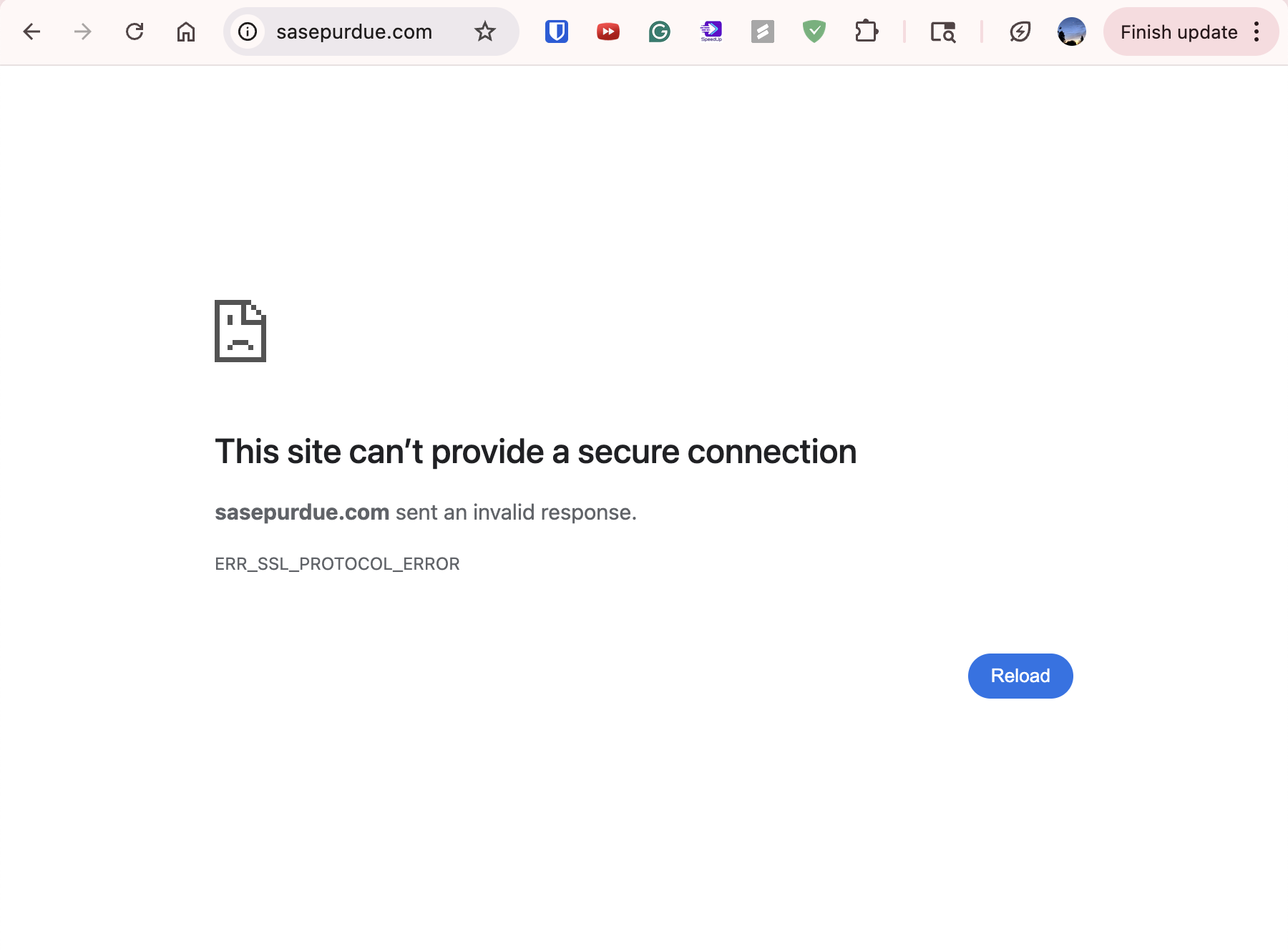
i ran the sudo dscacheutil -flushcache; sudo killall -HUP mDNSResponder command and that fixed it again tho
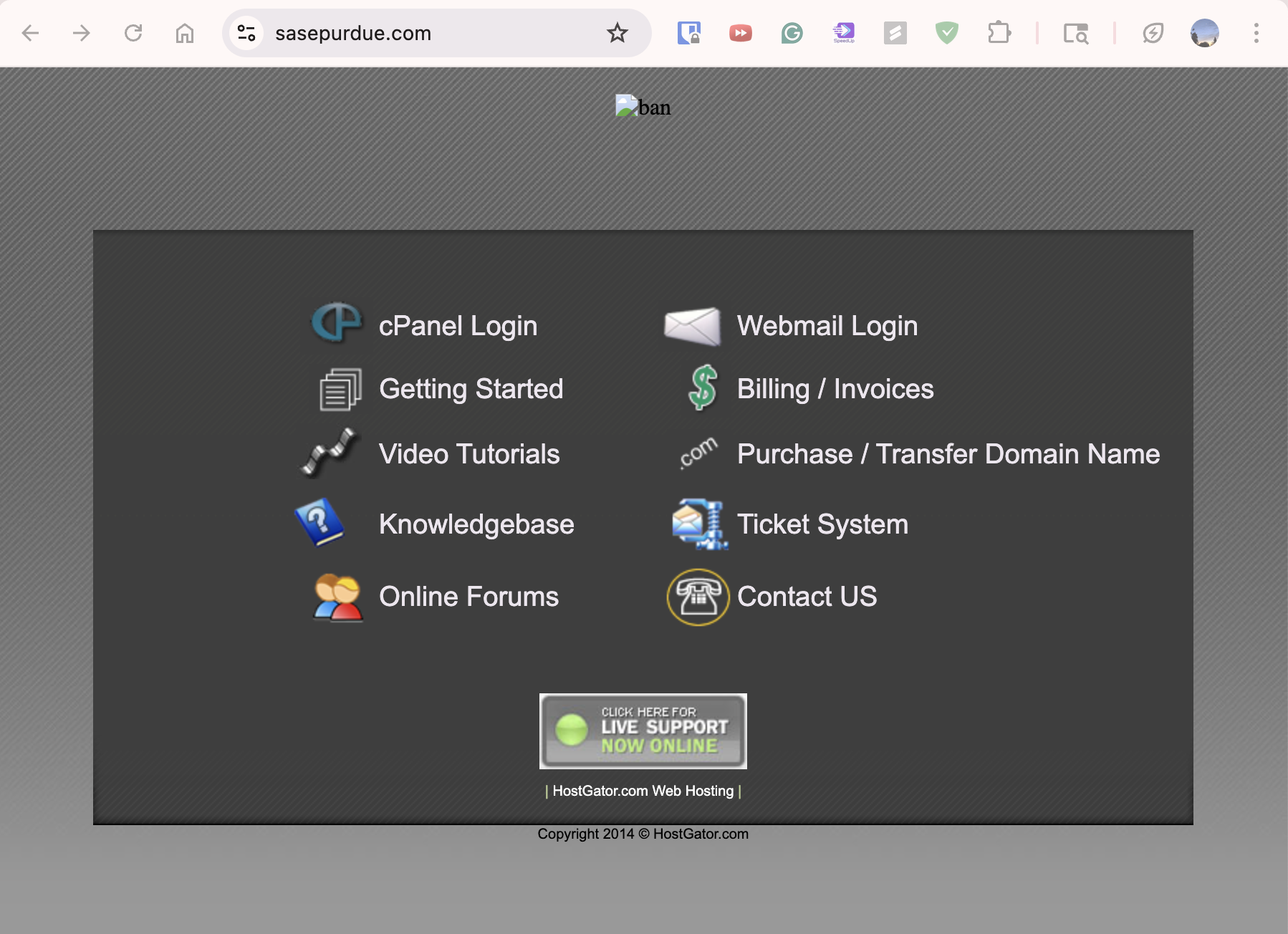
ok what do i even do from here now lol
even the links on this outdated page are broken and redirect somewhere else
so maybe i look into what hostgator is supposed to do…? ????? idk
i dont think we have a cpanel (control panel)
…lol
JK I LIED IT JUST TOOK FOREVER TO LOAD 😭
there are two buttons to press for
- “If you are not behind a firewall that blocks port 2083”
this one loads for eternity but then eventually loads into
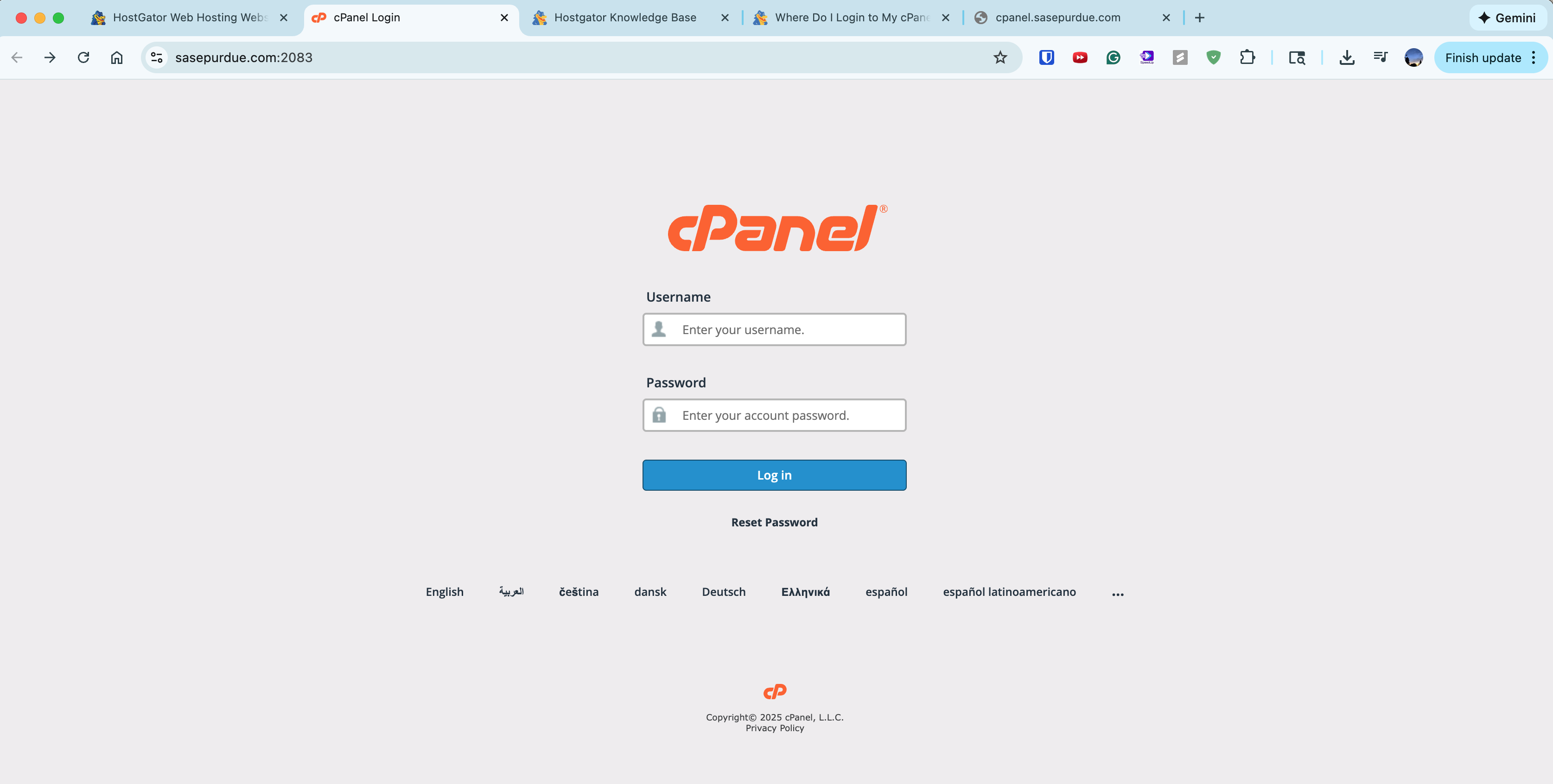
but i have no idea what the login credentials might be
and
- “If you are behind a firewall and can not connect to port 2083”
after clicking this one,
`https://cpanel.sasepurdue.com/“ gives 404 error lol
so probably not this
ok lets log into hostgator using sasepurdue’s credentials
i just logged in cuz i was trying to find the cpanel username to log in
but then i noticed
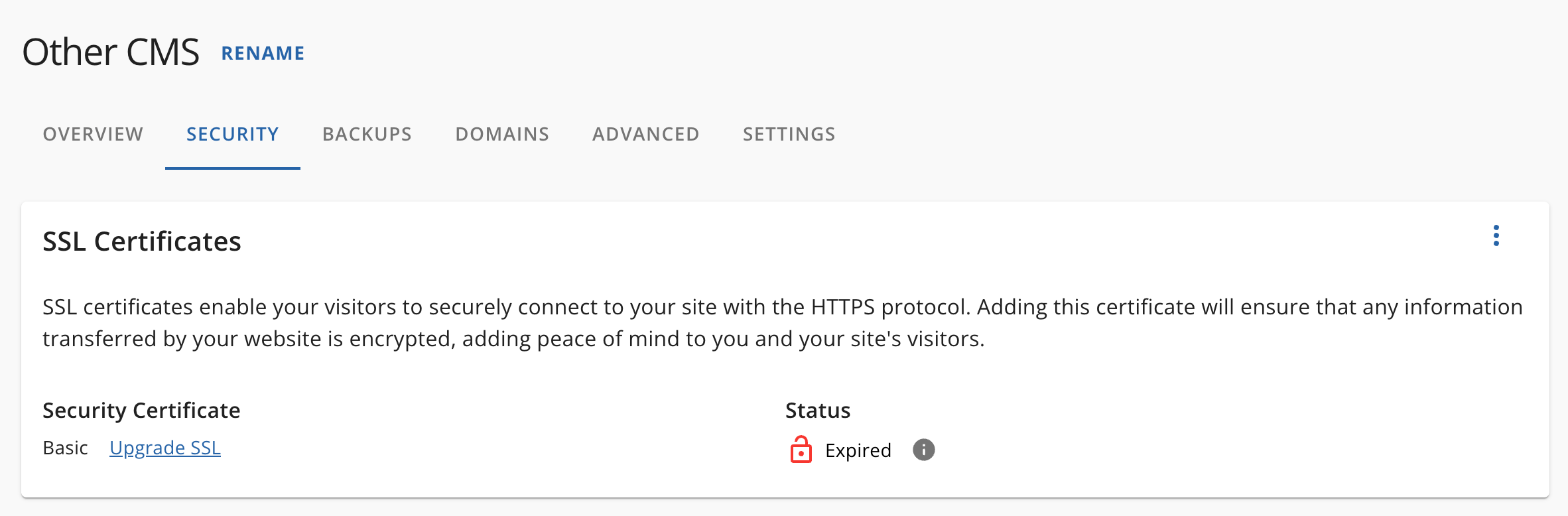
our ssl security certificate is expired
which i didnt know hostgator didnt do automatically for us??
im pretty sure cloudflare does that automatically for my website…
ok lowk im getting fed up with this
and im not even really sure why we’re using hostgator
like why cant we just use cloudflare
a little bit of googling seems to agree with me
and this hostgator thing is so damn old
ok switch gears cuz i cant do ts
wordpress
- cms
- no coding necessary
| wordpress.com | wordpress.org |
|---|---|
| use wordpress’s hosting | self hosting, self building |
| download the software urself |
we want wordpress.org^^
(i think)
ok more research
switching off hostgator and going to cloudflare wouldnt solve our problems
cuz cloudflare cant host wordpress
🥀
maybe i should do a side project on doing a wordpress site first…
another day !