left off at troubleshooting why /wp-admin page doesnt pop up
troubleshooting
- Check if WordPress actually installed
hostgator —> cPanel —> file manager
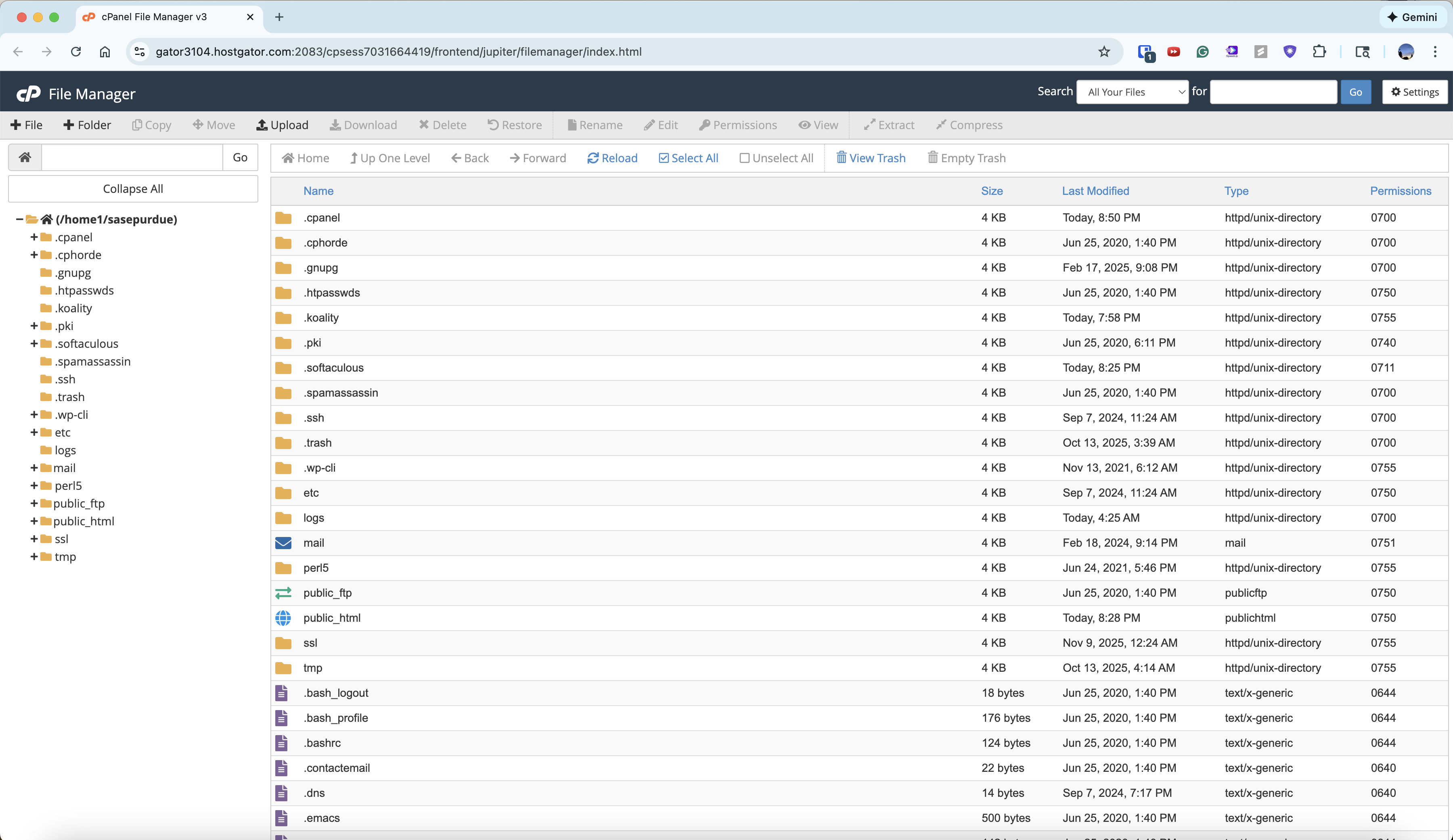
there is a public-html folder!
Look for WordPress files:
wp-config.phpwp-adminfolderwp-contentfolder
they all exist
-
Check for .htaccess issues
-
Go to
public_html/.htaccessin File Manager -
Rename it to
.htaccess_backup -
Try loading
http://sasepurdue.com/wp-adminagain
this did not work lol
so far we know:
-
not an SSL issue
-
not an .htaccess issue
-
http://sasepurdue.com/wp-admin❌ -
https://sasepurdue.com/wp-admin❌ -
No new
.htaccessis being generated -
You only see
.htaccess_backup -
HostGator claims SSL is active
then WordPress is not being served from the directory your domain points to.
This is a HostGator document root / domain mapping issue, which is very common.
Find the REAL document root
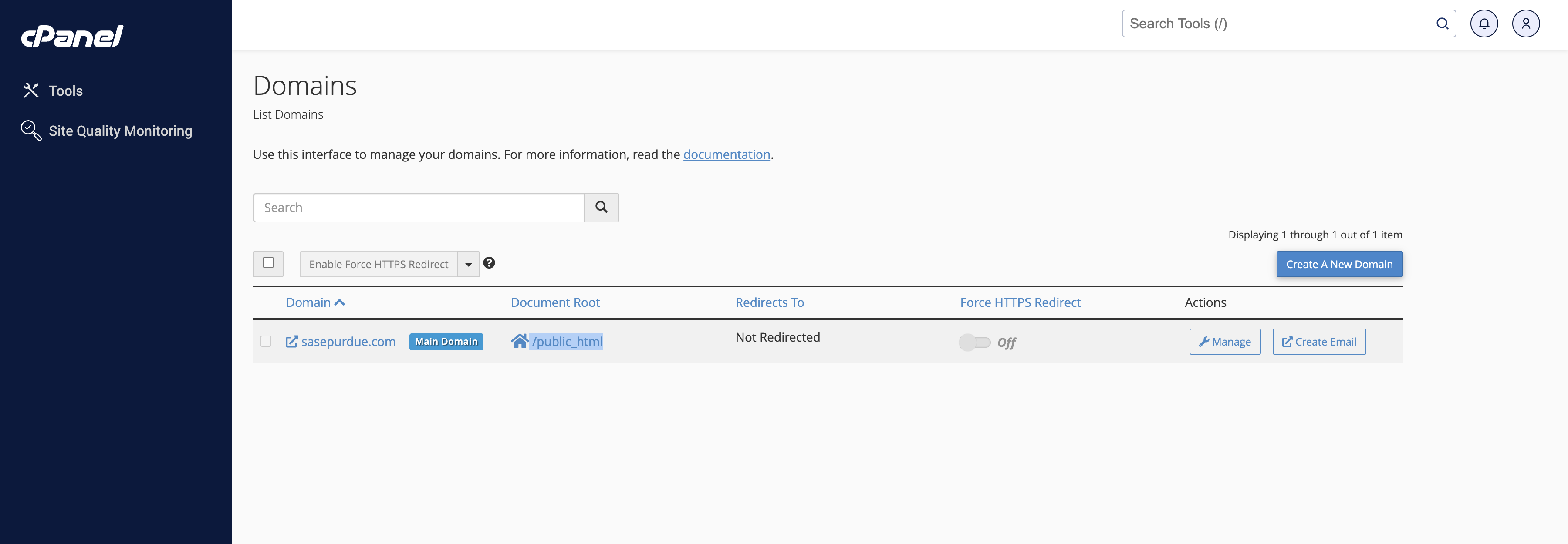
i think the document root is home/public_html …
this is not the problem
Given what you just showed, the problem is not DNS, not addon domains, not SSL, and not document root confusion.
👉 The problem is that Apache/PHP is not executing WordPress at all inside public_html, even though the domain is correctly mapped there.
This narrows it to one of only three real causes on HostGator. We’ll eliminate them in order.
Does PHP run at all?
- cPanel → File Manager
- Open
/public_html - Create a new file:
test.php - Paste this:
<?phpecho"PHP IS WORKING";?>- Save
- Visit:
http://sasepurdue.com/test.phpanddddd
php did not execute :c
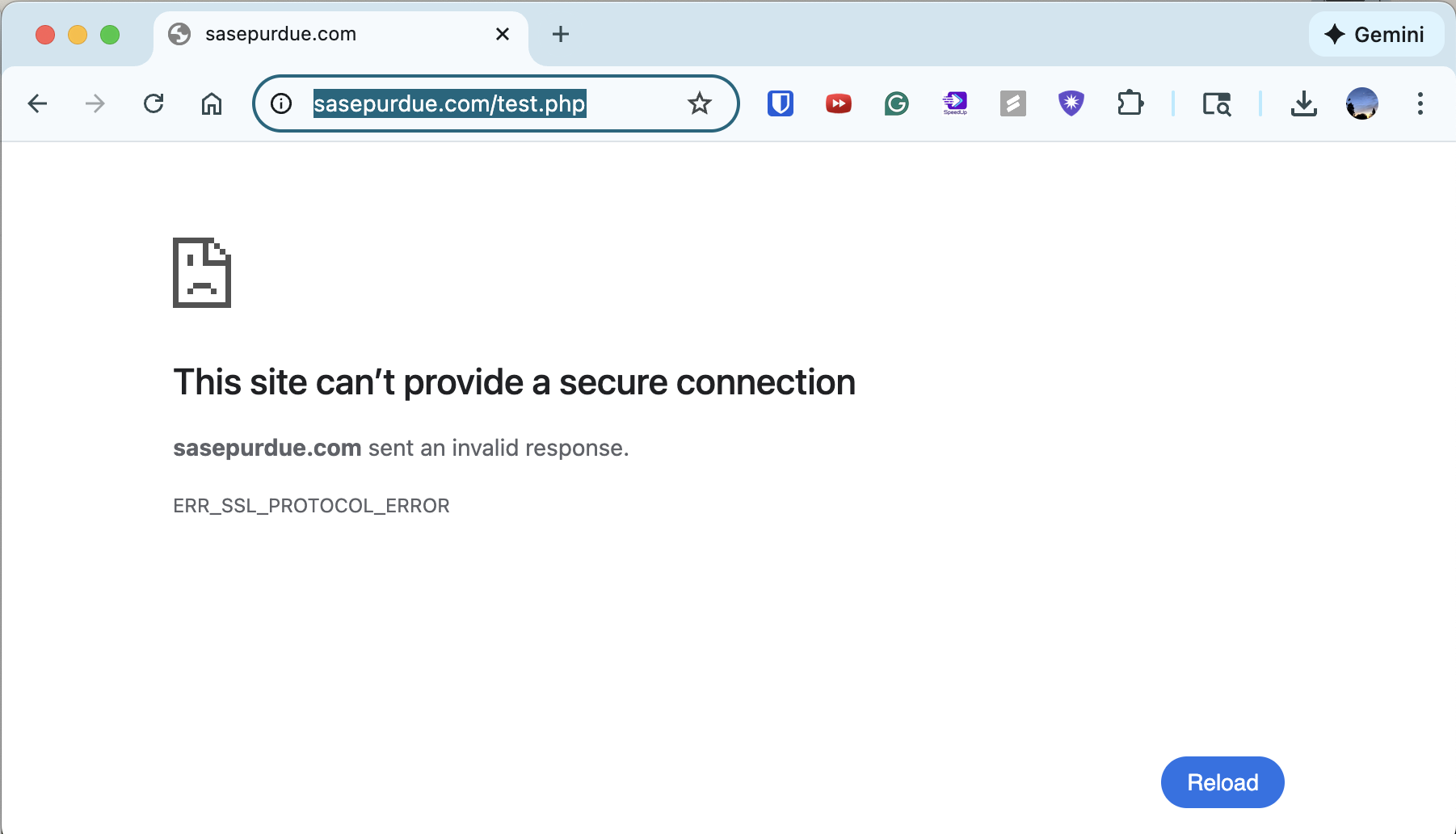
so this is NOT a wordpress issue
we’re trying hostgator support chatting
i chatted with this person named pooja lol
she said it was a DNS issue and fixed it for us
apparently we just have to wait now
.
.
.
we will revisit this tomorrow