step 5. actual bot logic
# --- Check schedule task ---
@tasks.loop(minutes=1)
async def check_schedule():
    now = datetime.datetime.now()
    current_day = now.strftime("%a")
    current_time = now.strftime("%H:%M")

    for group, mentors in class_schedule.items():
        for name, schedule in mentors.items():
            for day, start, end, info in schedule:
                if day == current_day and start <= current_time <= end:
                    message = MESSAGE_TEMPLATE.format(name=name, **info)
                    channel = discord.utils.get(bot.get_all_channels(), name="general")
                    if channel:
                        await channel.send(f"({group}) {message}")
                        print(f"Sent reminder for {name} in {group}")

# --- Run the loop when bot is ready ---
@bot.event
async def on_ready():
    print(f"Logged in as {bot.user}")
    check_schedule.start()

# --- Run bot ---
bot.run(TOKEN)
first draft of running bot logic
to actually run the bot ?!
activate the python vm
source venv/bin/activatethen terminal will now look like this
(venv) ➜ sase-sniping-discord-bot git:(main)run the python code
python bot.pywhoops, intermission for an error
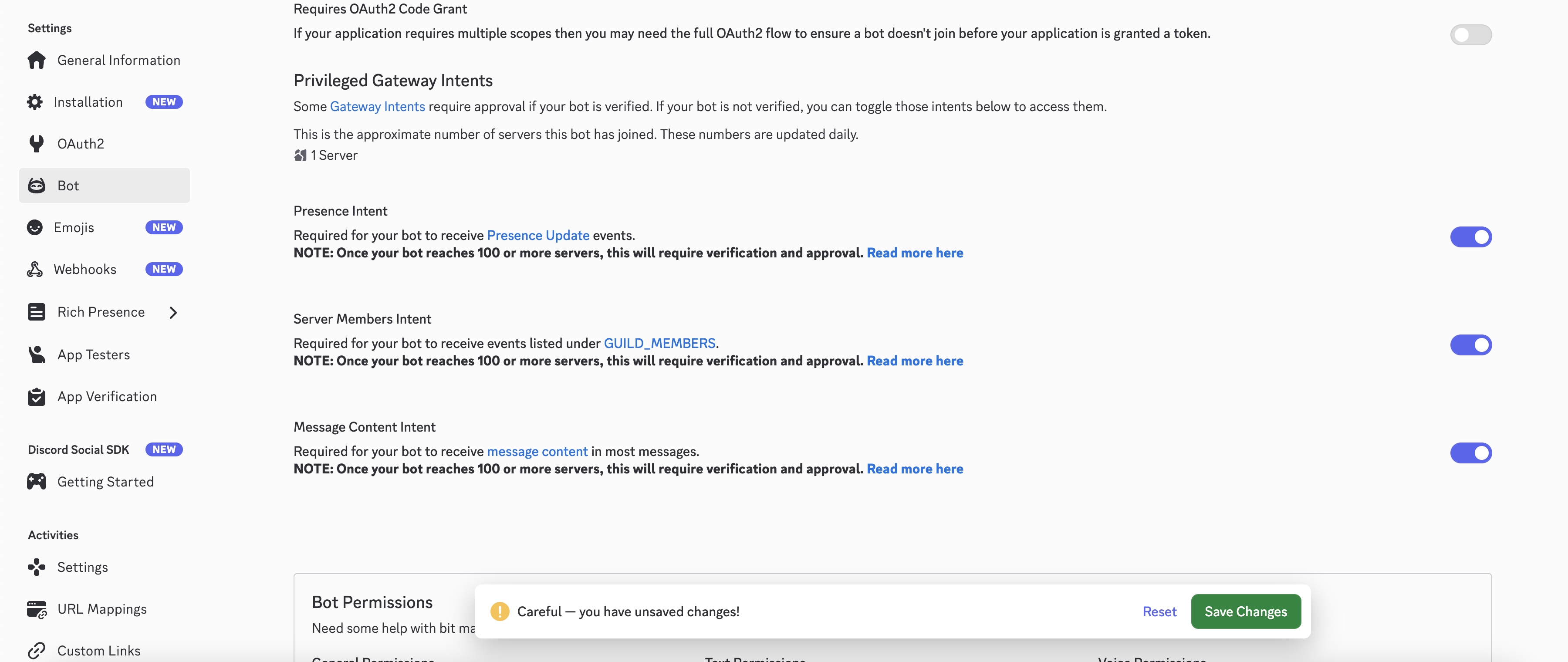
toggle all three of these on
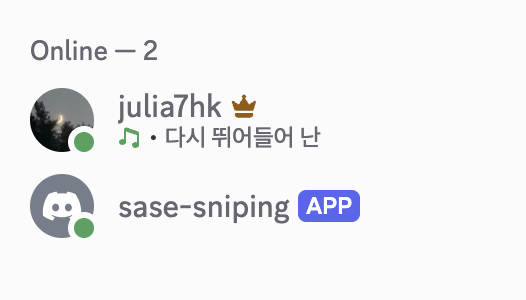
omg yayyy my bot is online
wowow it works :D
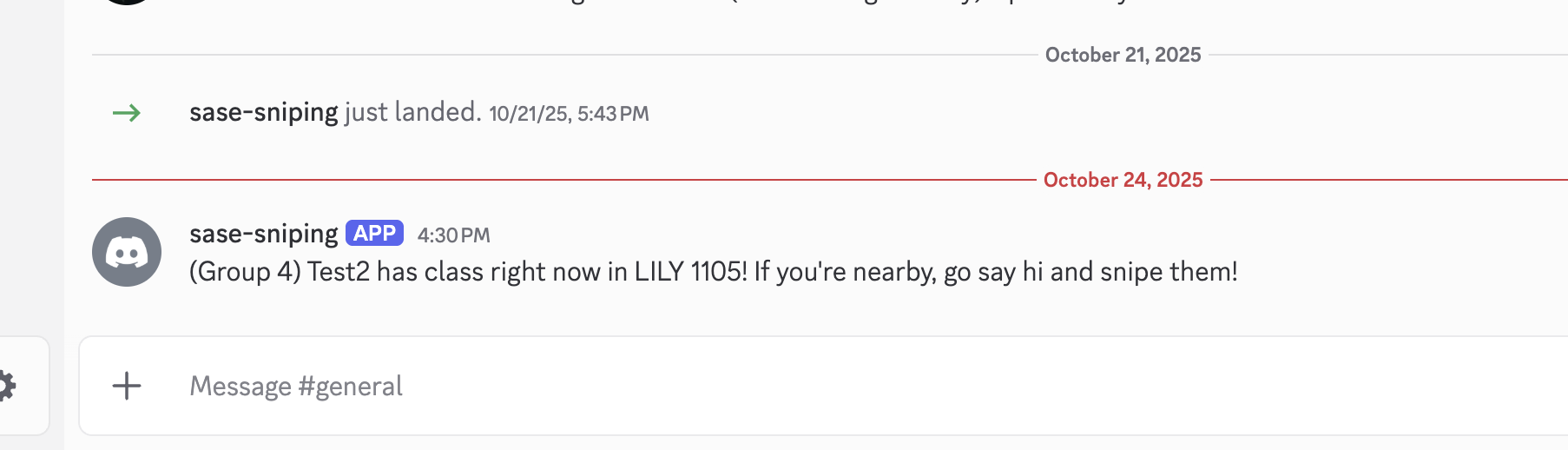
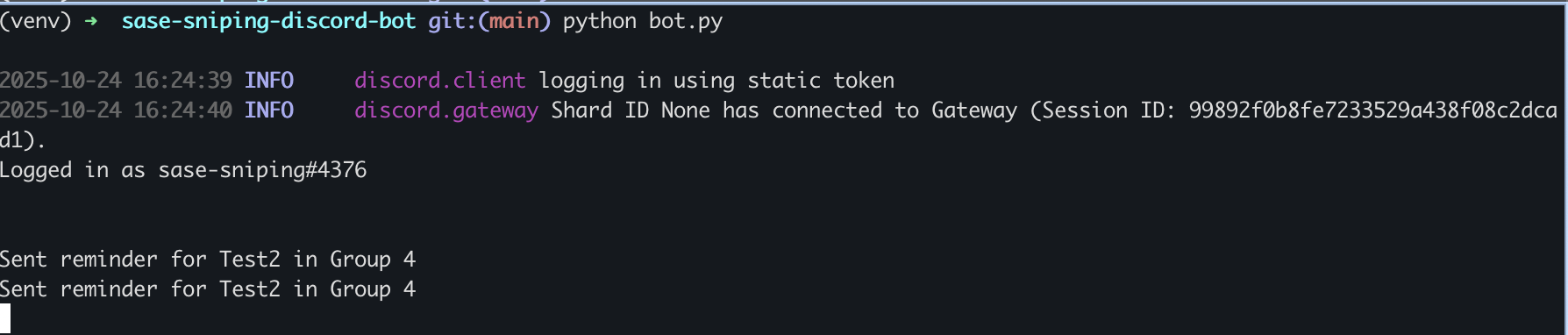
oop it keeps sending…?
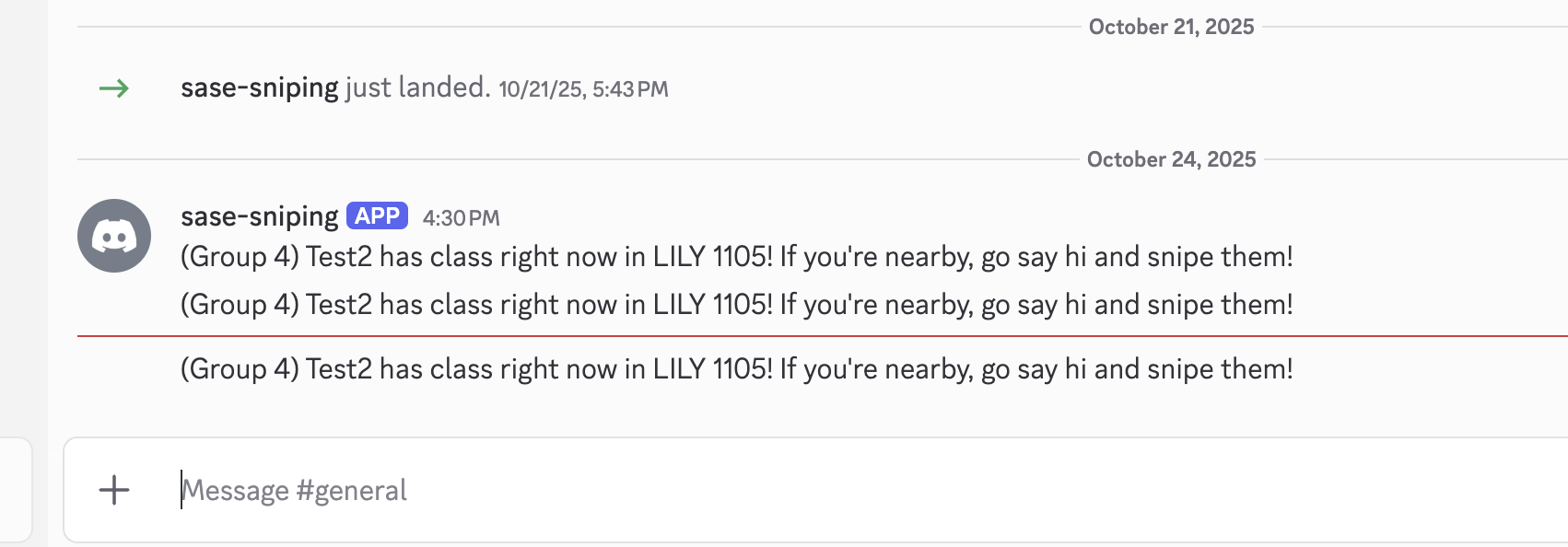
ill fix that later…
ok i can run the bot. now how do i host it somewhere so that i dont have to run it on my computer 24/7?
host it on a server !
the free oracle cloud servers?