i was working on my blog display to group blogs of the same project together
so i was working on a different branch
but then i ran into a merge conflict and i tried to rebase but then it ended up weird??
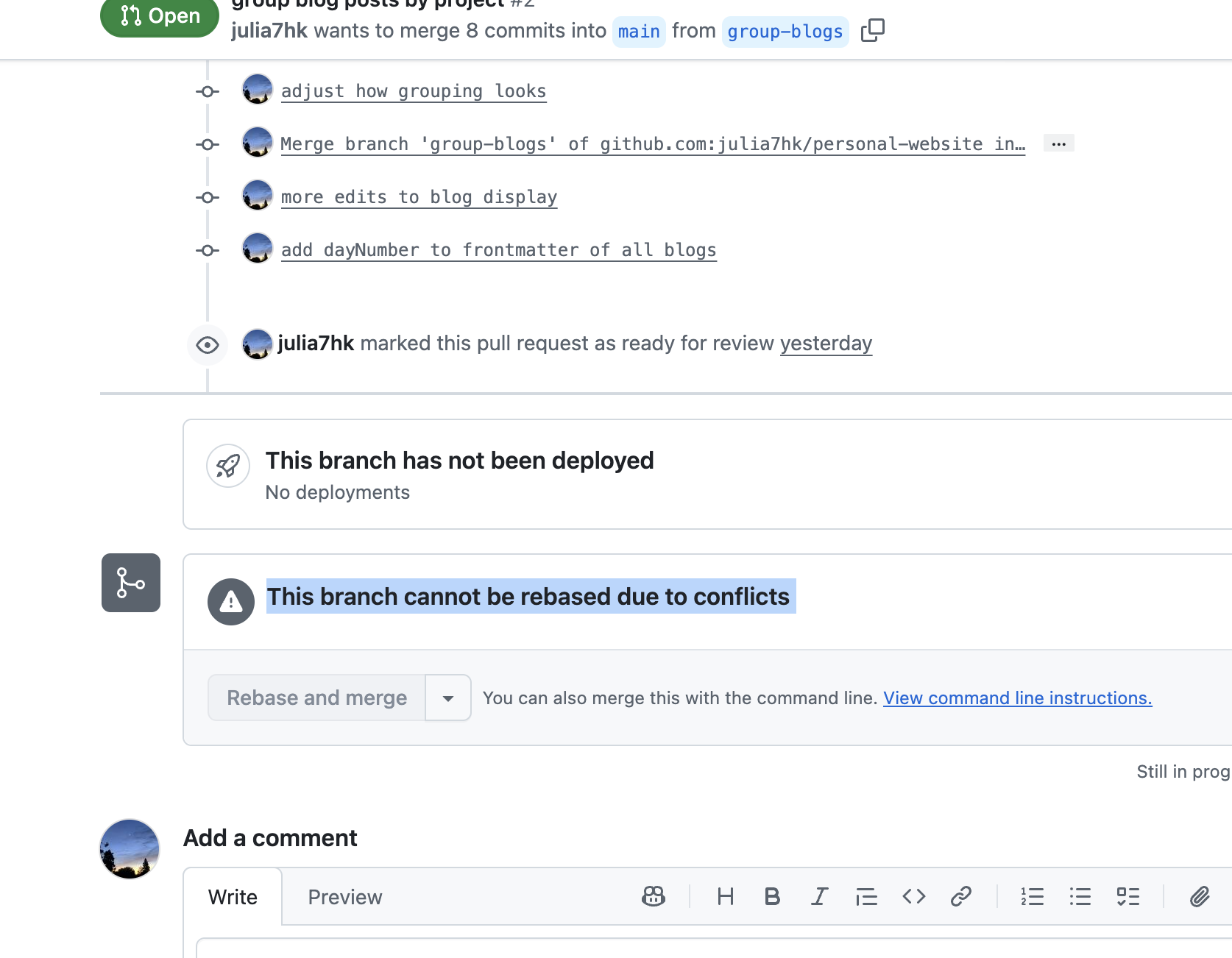
how i went about fixing it
make new branch
➜  personal-website git:(group-blogs) git co -b foo
Switched to a new branch 'foo'
➜  personal-website git:(foo)
➜  personal-website git:(foo)
switch back to the problem branch (switch back to last branch you were on)
➜  personal-website git:(foo) git co -
Switched to branch 'group-blogs'
Your branch is up to date with 'origin/group-blogs'.
run git rebase main
➜  personal-website git:(group-blogs) git rebase main
Auto-merging src/pages/blog.astro
CONFLICT (content): Merge conflict in src/pages/blog.astro
error: could not apply a49df74... group blog posts by project
hint: Resolve all conflicts manually, mark them as resolved with
hint: "git add/rm <conflicted_files>", then run "git rebase --continue".
hint: You can instead skip this commit: run "git rebase --skip".
hint: To abort and get back to the state before "git rebase", run "git rebase --abort".
hint: Disable this message with "git config set advice.mergeConflict false"
Could not apply a49df74... # group blog posts by project
➜  personal-website git:(675866d) ✗ gst
interactive rebase in progress; onto 097b6b4
Last commands done (3 commands done):
   pick 675866d # adjust how grouping looks
   pick a49df74 # group blog posts by project
  (see more in file .git/rebase-merge/done)
Next commands to do (3 remaining commands):
   pick c47caa0 # adjust how grouping looks
   pick f290c45 # more edits to blog display
  (use "git rebase --edit-todo" to view and edit)
You are currently rebasing branch 'group-blogs' on '097b6b4'.
  (fix conflicts and then run "git rebase --continue")
  (use "git rebase --skip" to skip this patch)
  (use "git rebase --abort" to check out the original branch)

Unmerged paths:
  (use "git restore --staged <file>..." to unstage)
  (use "git add <file>..." to mark resolution)
	both modified:   src/pages/blog.astro

no changes added to commit (use "git add" and/or "git commit -a")
the merge conflict shows up ‼️‼️ now i can finally resolve it 🙏
resolve the conflict through IDE and stage the changes 😋
force push git push -f
➜  personal-website git:(group-blogs) git push -f
Enumerating objects: 35, done.
Counting objects: 100% (35/35), done.
Delta compression using up to 8 threads
Compressing objects: 100% (25/25), done.
Writing objects: 100% (25/25), 2.96 KiB | 2.96 MiB/s, done.
Total 25 (delta 20), reused 0 (delta 0), pack-reused 0 (from 0)
remote: Resolving deltas: 100% (20/20), completed with 10 local objects.
To github.com:julia7hk/personal-website.git
 + 2dc1048...d18ea5d group-blogs -> group-blogs (forced update)
hooray 🎉 pr is merged 🙏
if i ever want to recover git history:
- make a new branch
- run
git reflog
➜  personal-website git:(main) git reflog
350ca40 (HEAD -> main, origin/main, origin/HEAD) HEAD@{0}: merge refs/remotes/origin/main: Fast-forward
097b6b4 HEAD@{1}: checkout: moving from group-blogs to main
d18ea5d HEAD@{2}: rebase (finish): returning to refs/heads/group-blogs
d18ea5d HEAD@{3}: rebase (pick): add dayNumber to frontmatter of all blogs
46af9ad HEAD@{4}: rebase (pick): more edits to blog display
03fbd2a HEAD@{5}: rebase (continue): adjust how grouping looks
f4713ab HEAD@{6}: rebase (continue): group blog posts by project
675866d HEAD@{7}: rebase (start): checkout main
**2dc1048 HEAD@{8}: checkout: moving from foo to group-blogs
2dc1048 HEAD@{9}: checkout: moving from group-blogs to foo
2dc1048 HEAD@{10}: checkout: moving from main to group-blogs**
097b6b4 HEAD@{11}: checkout: moving from group-blogs to main
2dc1048 HEAD@{12}: commit: add dayNumber to frontmatter of all blogs
f290c45 HEAD@{13}: commit: more edits to blog display- remember the commit id of the old branch (e.g.
2dc1048) - reset its location to the old branch
git reset --hard 2dc1048now you have successfully restored the history of that branch !