Fall break, accidentally fell asleep too early and now im awake
am currently doing miscellaneous shenanigans like the sase website
leo originally told me to let him know during winter break…
but i figured i could do it now so why not !
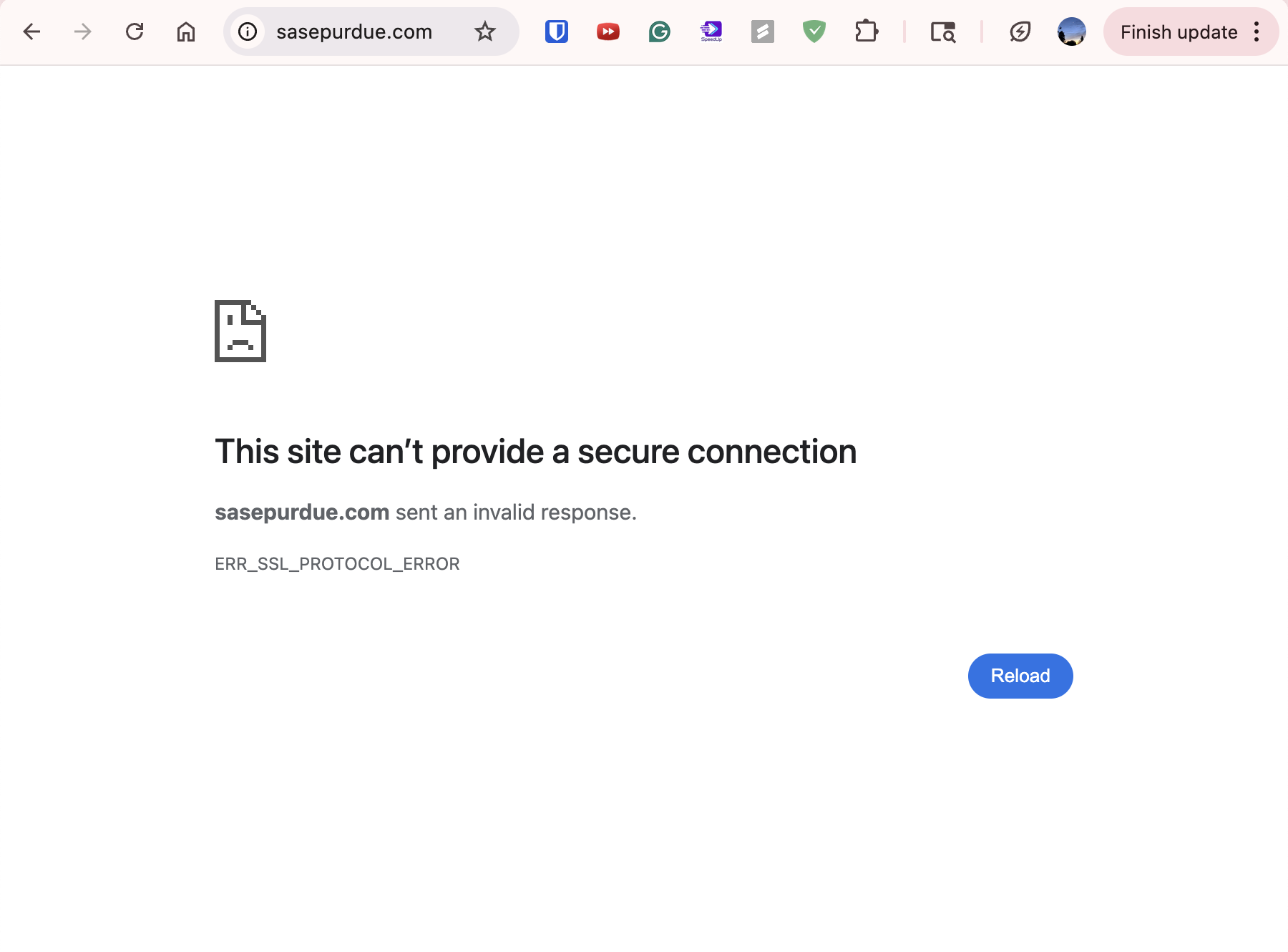
the sasepurdue.com domain currently gives
the process
troubleshooting with google and gpt lol
main focus is the ERR_SSL_PROTOCOL_ERROR
happens when the secure connection is not secure 😔
something is wrong in between with:
- the SSL certificate is not valid
- check with ssl checker (https://www.sslshopper.com/ssl-checker.html)
- checked, certificate is valid. NOT the problem
- check the hosting service
double check both https://sasepurdue.com and http://sasepurdue.com
(matter of the secure certificate part)
http:// one automatically redirects to the https:// one
check ip address by doing ping sasepurdue.com
 ~ ping sasepurdue.com
PING sasepurdue.com (198.57.151.178): 56 data bytes
64 bytes from 198.57.151.178: icmp_seq=0 ttl=50 time=43.081 ms
64 bytes from 198.57.151.178: icmp_seq=1 ttl=50 time=45.531 ms
64 bytes from 198.57.151.178: icmp_seq=2 ttl=50 time=41.739 ms
64 bytes from 198.57.151.178: icmp_seq=3 ttl=50 time=39.358 ms
^C
--- sasepurdue.com ping statistics ---
4 packets transmitted, 4 packets received, 0.0% packet loss
round-trip min/avg/max/stddev = 39.358/42.427/45.531/2.234 ms
so the ip address is 198.57.151.178
but it looks correct on namecheap domain purchasing site and hostgator servers…
double check sasepurdue.com on my phone
it works..?
um then the website and hosting settings weren’t the problem… consider the caching on my computer?
run sudo dscacheutil -flushcache; sudo killall -HUP mDNSResponder
clears DNS things on your computer
problem resolved ! 😭
now we’re faced with default hostgator website with absolutely nothing on it
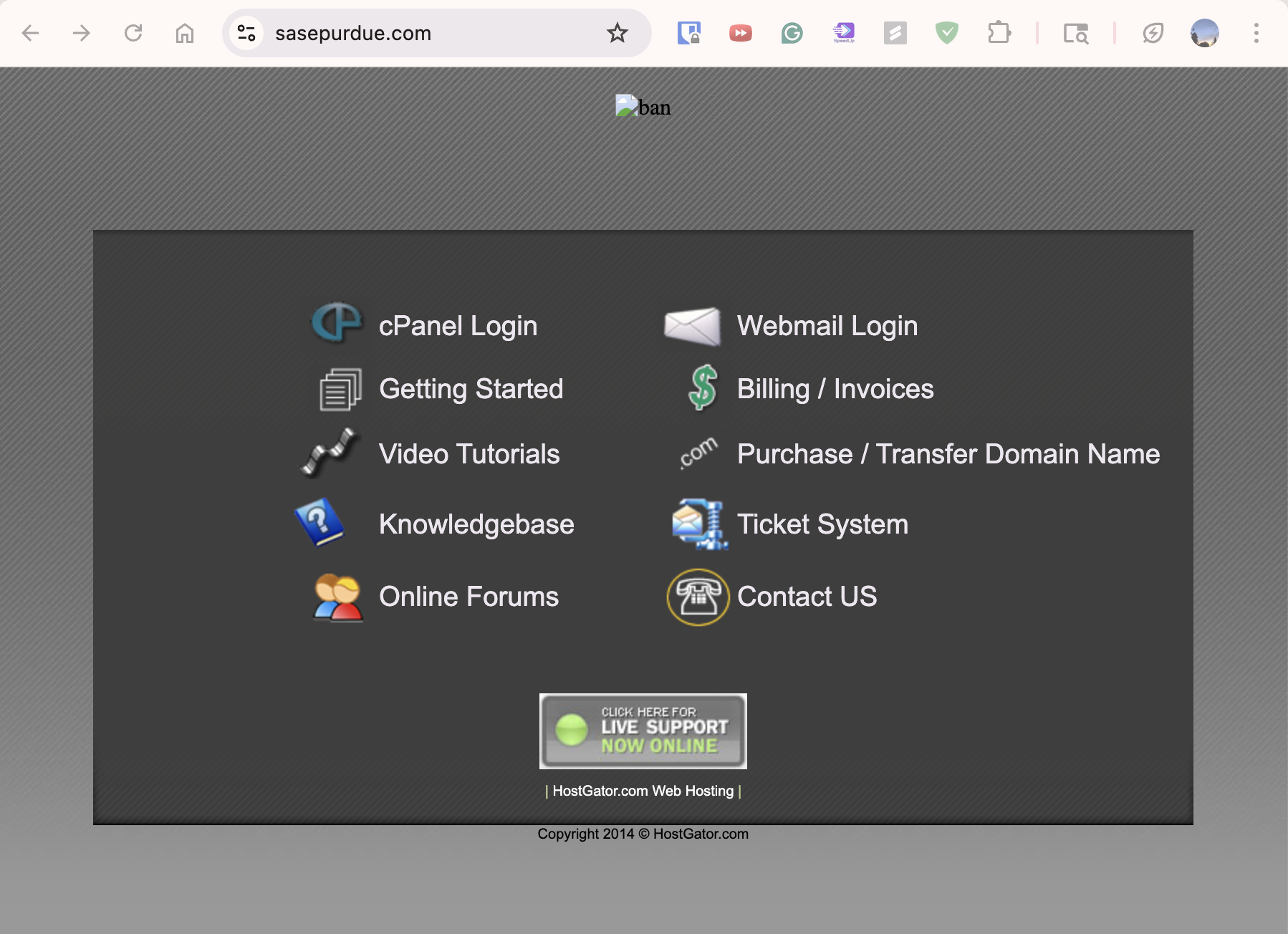
wow a site called https://downforeveryoneorjustme.com/ exists
pretty cool
checkout wordpress.com to see what was supposed to be hosted cuz i cant seem to find anything anywhere about what used to be on here
the https://sasepurdue.com/wp-login or https://sasepurdue.com/wp-login.php both dont work. give a 404 error
sidequest: learning wordpress
Your website lives in a folder on your server, usually something like public_html or www:
/public_html
  ├─ wp-admin/       (admin dashboard files)
  ├─ wp-content/     (themes, plugins, uploads)
  ├─ wp-includes/    (core WordPress files)
  ├─ wp-config.php   (connects WordPress to the database)
  ├─ wp-login.php    (login page)
  └─ index.php       (main entry file)
- If
wp-login.phpis missing, you cannot log in. - If
wp-config.phpis wrong, the site can’t talk to the database.
go to hostgator file manager
( hostgator.com —> sasepurdue site —> quick links includes a file manager button )
a /public_html directory exists! but idk if it has the right files..
it lowk doesnt have anything except a default template, favicon, etc. no wonder the website shows the default thing
go to hostgator wordpress database???
( hostgator.com —> sasepurdue site —> quick links includes a phpmyadmin button )
no databases :/ not much else to do here
ok new website time lol
in the meantime… organizing the sase email
- namecheap: where we purchased the domain name
- hostgator: website hosting
- wordpress: website content
- jetpack: wordpress plugin
- elementor: wordpress plugin
conclusions: takeaways for me
-
wow a site called
https://downforeveryoneorjustme.com/exists -
you can check secure certificate with ssl checker (https://www.sslshopper.com/ssl-checker.html)
-
you can double check
https://andhttp:// -
you can check ip address by doing
ping sasepurdue.com(or any other address with any other url) -
run
sudo dscacheutil -flushcache; sudo killall -HUP mDNSResponderto clear DNS cache on computer -
the
https://sasepurdue.com/wp-loginshould work and that’s where people can edit the website after wordpress is set up