12/26/2025
ok so its actually the same day as the hostgator support chatting day but later time
and im still hung up on “i hate hostgator $18/mo” and “i love free oracle cloud”
so i was looking into how much the free tier of oracle cloud gives you
and how big of a server you actually need for a wordpress site
Traffic: up to ~5,000 visits/month
Minimum server:
✅ Works fine with:
“
Yes, it’s actually free. If you stick within the Always Free tier limits, you won’t be charged.
This means you can run a 4-core, 24GB machine with a 200GB disk 24/7 and it should not cost you anything.
Or you can split those limits into 2 or 4 machines if you want.
“
so lets try it???
erm it timed out and i couldnt do anything
new day!
12/27/2025
inputted my actual address and card information for now,,
account created !
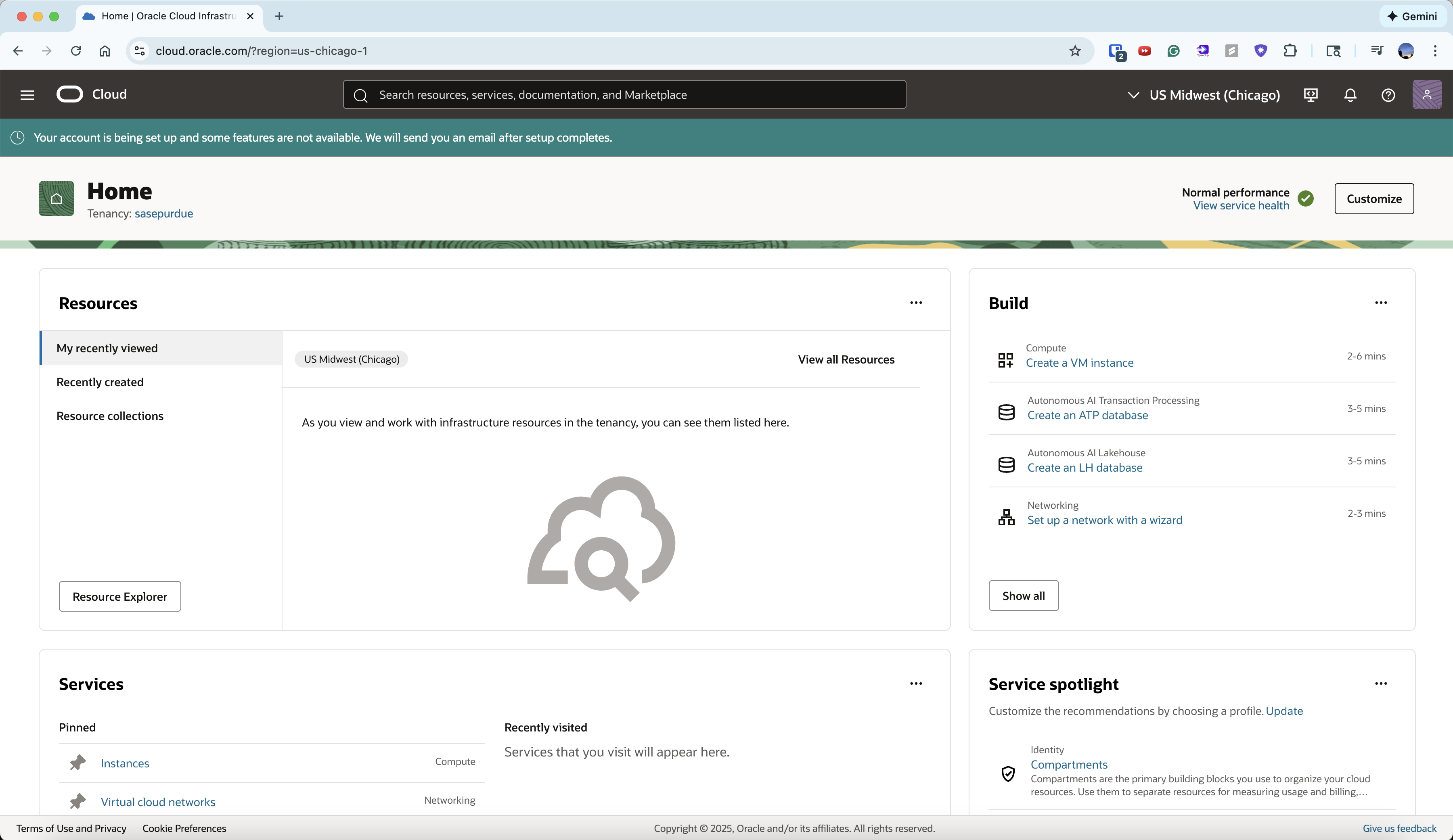
now log in with email and password
yippee ! logged in
go to instances
(home —> compute —> instances)
((or lowk just search for instances))
click create instance
Name
wordpress (perfect)Compartment
✅ sasepurdue (root)
Keep it simple unless you’re managing many resources.
Availability Domain
✅ Any AD (AD 1 / AD 2 / AD 3)
Does not matter for WordPress.
👉 Pick AD 1 and move on.
❌ Do NOT use:
selected
Image: Canonical Ubuntu 22.04 Minimal aarch64
Shape: VM.Standard.A1.Flex
enable shielded instance cuz why not. confidential computing is not the thing we need and we dont need to touch advanced settings
✅ Step 3: Networking — What to Choose
VNIC name: leave blank (Oracle auto-names it)
✅ Create new virtual cloud network
✅ Create new public subnet
✅ Step 3.5: SSH Keys
.
.
.
im concerned that teaching the next person about ssh keys if they know absolutely nothing might be too complicated…
is this entire setup too complicated for a non technical person?
i think its still worth a try 😊
to be continued !